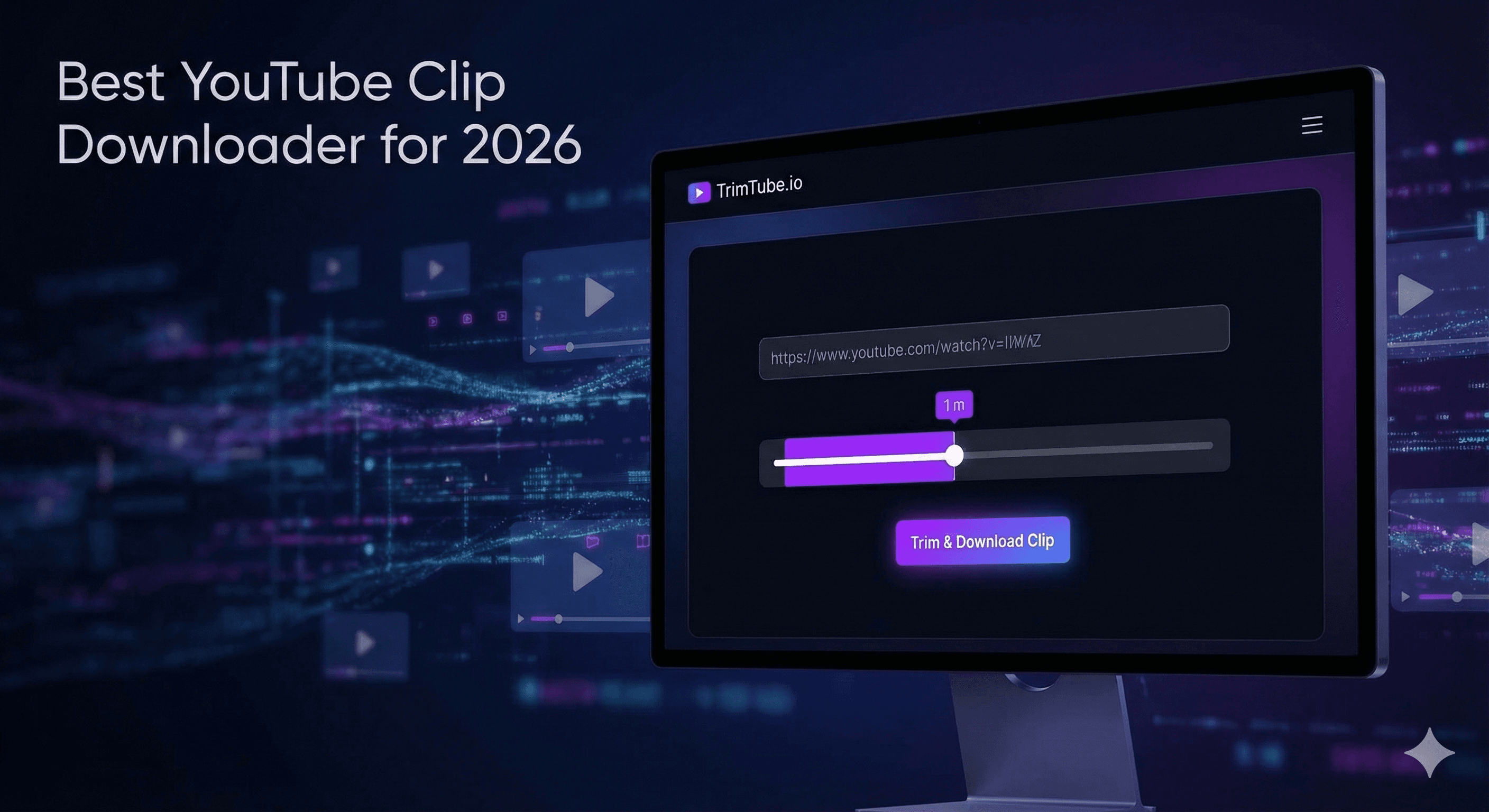
Stop downloading massive 2-hour videos for a 10-second clip. Discover the fastest, cleanest, and most precise way to download YouTube clips in 2026 with no ads or software.
Best YouTube Clip Downloader for 2026 (Fast, Clean & No Ads)
Summary: Most YouTube downloaders are stuck in the past—full of pop-ups, slow downloads, and outdated interfaces. Here is the modern, safe, and efficient way to download specific clips in 2026 without installing any software.
What You’ll Learn
- Why "clipping" is the new, faster way to save content in 2026.
- How to avoid the "Storage Trap" of downloading massive files for a 10-second clip.
- A transparent, side-by-side comparison of top tools.
- A Note from the Founder: Why we built the first true "Multi-Clip" engine.
1. Overview: The Problem with "Old School" Downloaders
Let’s be honest: The current state of YouTube downloaders is frustrating.
If you search for one today, you usually find two types of tools:
- Sketchy Websites: Riddled with gambling pop-ups and fake "Download" buttons.
- Outdated Software: Desktop programs that look twenty years old and force you to download a 2-hour podcast just to get a 30-second quote.
Why I Built TrimTube (A Founder’s Note)
"We didn't build TrimTube to start a company. We built it because we were frustrated users. We loved the idea of tools like YT Cutter, but hated the bad execution—the pop-ups, the tricks, the lack of trust.
We wanted a tool that respects the user. No aggressive upsells, no fake buttons, and definitely no viruses. Just a clean, modern interface that does exactly what it says: trims your video fast."
In 2026, you shouldn't need to install an .exe file to get a meme. You need a Cloud Clipper.
2. Step-by-Step: How to Download a YouTube Clip (The Modern Way)
Here is the fastest workflow to get a clean MP4 clip without wasting your bandwidth.
1
Copy the YouTube Link
Grab the URL of the video you want (works for both Shorts and Long-form videos).
2
Paste into TrimTube.io
No login is required for your first try. Just paste the link. We process the video on our servers, not on your laptop.
3
Select Your Golden Moment
Use the intuitive sliders to pick your start and end times.
- Precision Matters: Most tools only let you cut to the nearest second. We allow specific precision so you never cut off a word.
4
Export & Download
Click "Trim." Within seconds, you get a lightweight MP4 file (e.g., 15MB) instead of a massive 2GB raw file.
💡
Pro Tip: If you are a creator making reaction videos, this workflow can save you over 15 minutes of "download & import" time per video.
3. The Comparison: TrimTube vs. The Giants
We are the new, modern alternative. Here is how we stack up.
| Feature | TrimTube.io | Desktop Downloaders | Online Converters |
|---|---|---|---|
| Installation | None (Cloud) | Required (.exe) | None |
| Precision | Exact Timestamps | Must Download Full Video | Approximate / Clunky |
| Safety | SSL + No Ads | Bloatware Risk | High Virus/Ad Risk |
| Speed | Instant Clip | Slow (Full File) | Fast |
| UI/UX | Modern & Clean | Outdated | Cluttered & Spammy |
4. The Future: Why "Single Clips" Are Not Enough
We are not stopping at just trimming one video at a time.
The biggest frustration for creators is the "one-at-a-time" limit. If you have a 2-hour podcast, you probably want to extract 5 or 6 different shorts from it. Current competitors force you to reload the page and start over for every single clip.
Our Roadmap (Coming Soon): We are building the first Batch-Clipping Engine.
- Multi-Select: Mark 5 different timestamps on one timeline and download them all as a single ZIP file.
- AI Suggestions: We're training AI to analyze transcripts and suggest potential "viral moments" for you.
- Auto-Resize: Automatically crop horizontal videos into vertical Shorts.
We don't just want to be a downloader. We want to be your content extraction engine.
5. Troubleshooting Common Issues
Even the best tools have limits. Here is how to fix common problems:
- "Video Unavailable" Error: This usually means the video is Age-Restricted or Private. YouTube blocks cloud servers from accessing these.
- Audio Out of Sync: This can happen with very old YouTube videos (uploaded before 2015). Refreshing the page and trying again usually fixes the timestamp alignment.
6. FAQ (Frequently Asked Questions)
It is generally considered acceptable for Fair Use purposes such as commentary, criticism, education, or parody. You should never re-upload someone else's entire work and claim it as your own.
7. Final Thoughts
You have two choices in 2026:
- Clutter your computer with massive files and risk installing sketchy software.
- Use a precision tool that respects your time, your safety, and your hard drive space.
If you want speed, safety, and a clean experience, give us a try.
Ready to trim? Cut the noise. Download only what you need. Try TrimTube for Free
Dec 01, 2025
8 min read
Start trimming YouTube videos
Upload your YouTube link and trim clips with frame-accurate precision. Create clean highlights, cut exact moments, and download watermark-free clips — all in your browser.
Start trimming for freeFastest Youtube Clips Downloader
Trim YouTube videos
faster than any online editor.
Paste a YouTube link, pick the exact moment you need, and download a clean, watermark-free clip — no login, no installs, no friction.
© 2026 TrimTube.io. All rights reserved.