TrimTube.io Blog
Insight and Updates for YouTube clipping
Simple, practical guides to help you trim YouTube videos, cut exact moments, and download clean clips for study, teaching, and content creation.
All Articles
Browse every guide, tutorial, and update from the TrimTube team. Learn how to trim YouTube videos, cut specific parts, and use YouTube clip downloaders without ads, clutter, or confusion.
PC & DesktopDec 17, 2025
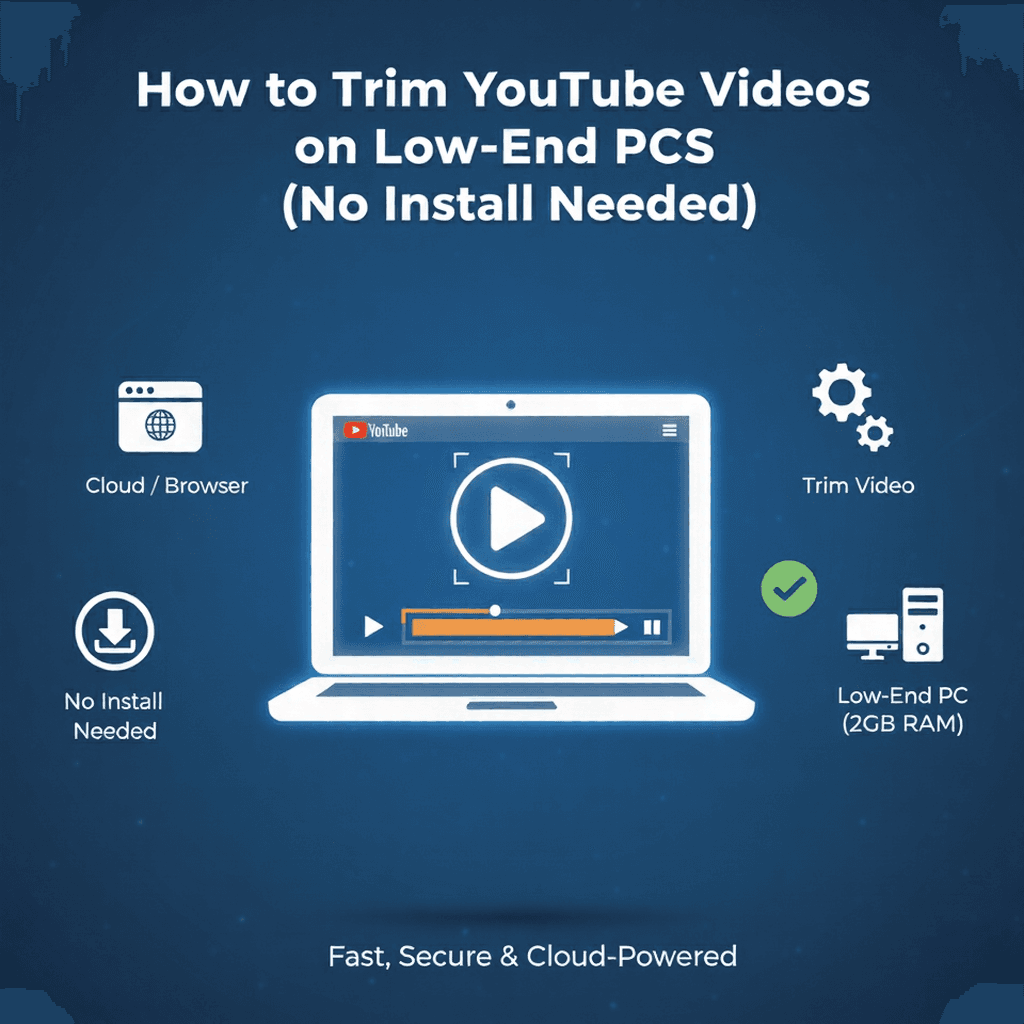
How to Trim YouTube Videos on Low-End PCs (No Install Needed)
Laptop hanging when you edit video? Learn how to trim YouTube clips on an old 4GB RAM PC without installing heavy software. Fast, free, and cloud-based.
Mobile GuidesDec 15, 2025
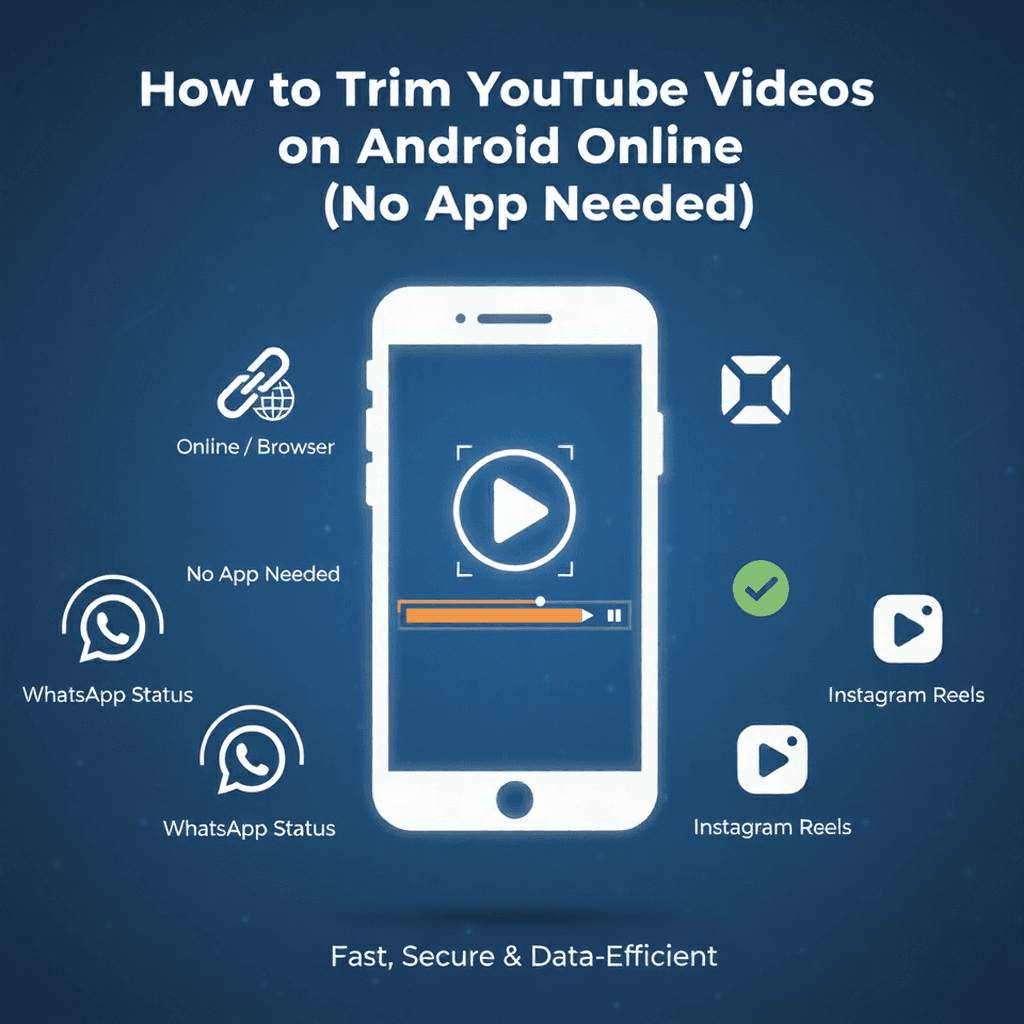
How to Trim YouTube Videos on Android Online (No App Needed)
Stop installing heavy apps just to cut a 30-second clip. Learn how to trim YouTube videos for WhatsApp Status directly in your browser using TrimTube.

Safety & SecurityDec 13, 2025
Is Y2Mate Safe? Best Virus-Free Alternatives for 2026
Phone heating up? Getting spam notifications? You might have the 'Y2Mate Virus'. We tested Y2Mate against TrimTube (the safe, freemium alternative) to see which is best for your mobile.
Audio ExtractionDec 10, 2025
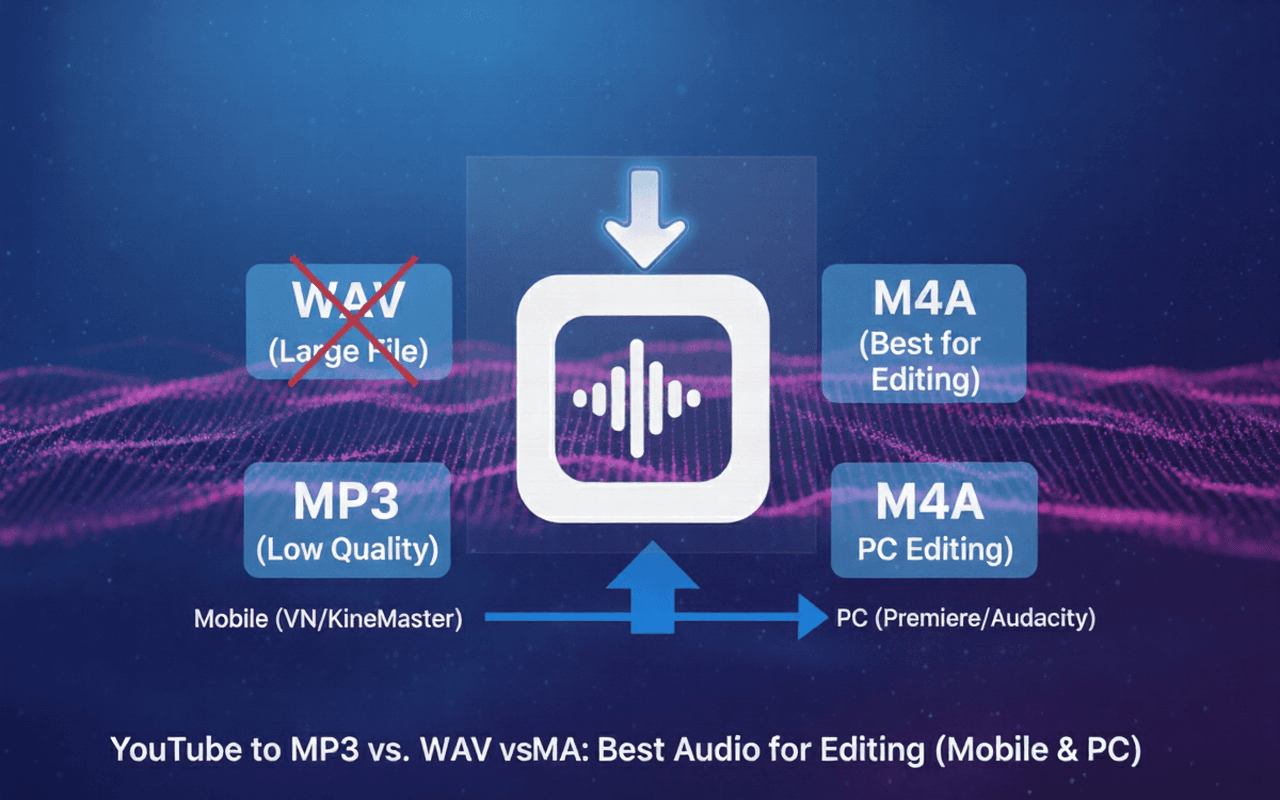
YouTube to MP3 vs. WAV vs. M4A: Best Audio for Editing (Mobile & PC)
Editing on VN or KineMaster? Stop wasting storage with WAV or losing quality with MP3. Learn why M4A is the best audio format for mobile creators in 2026.
Audio ExtractionDec 08, 2025
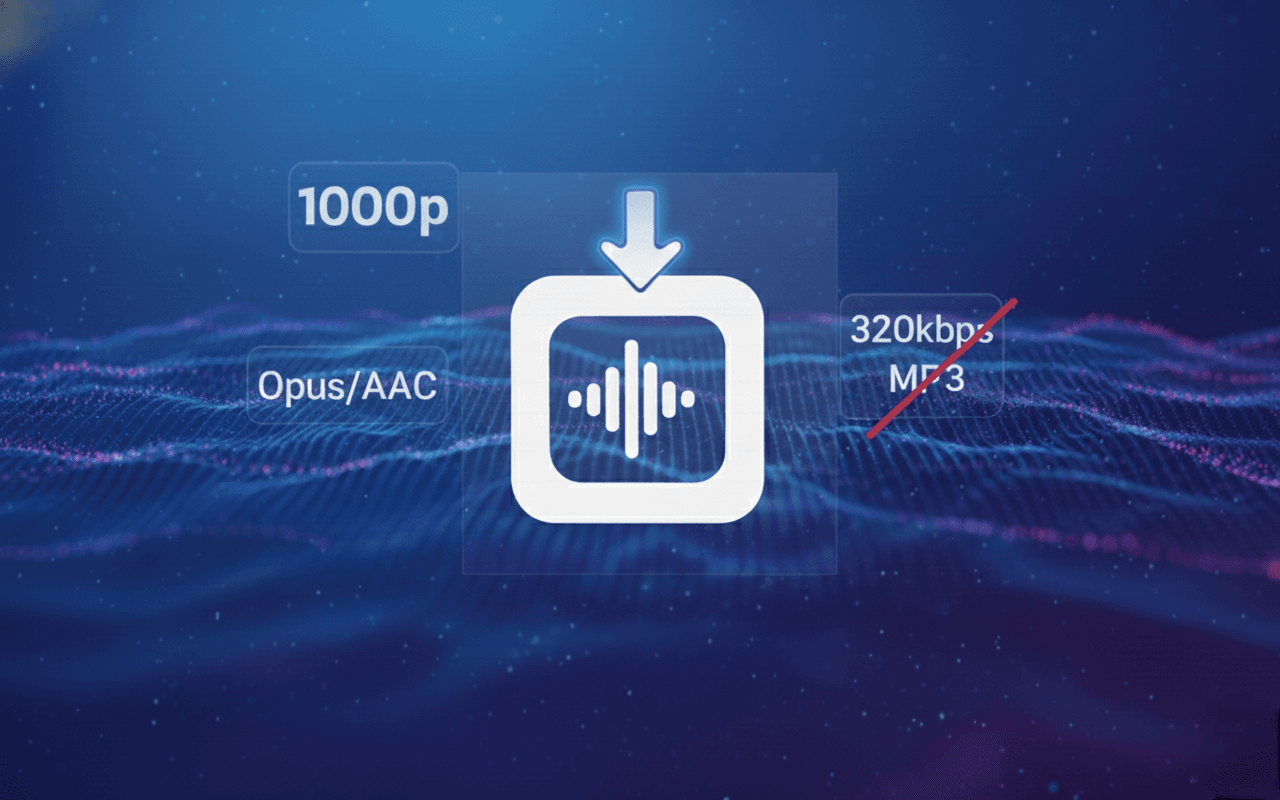
How to Download High Quality Audio from YouTube (The 320kbps Myth)
Most YouTube converters lie about quality. Learn why '320kbps' is often fake, how YouTube actually streams audio (Opus/AAC), and how to extract the true highest quality source.
High Quality DownloaderDec 05, 2025
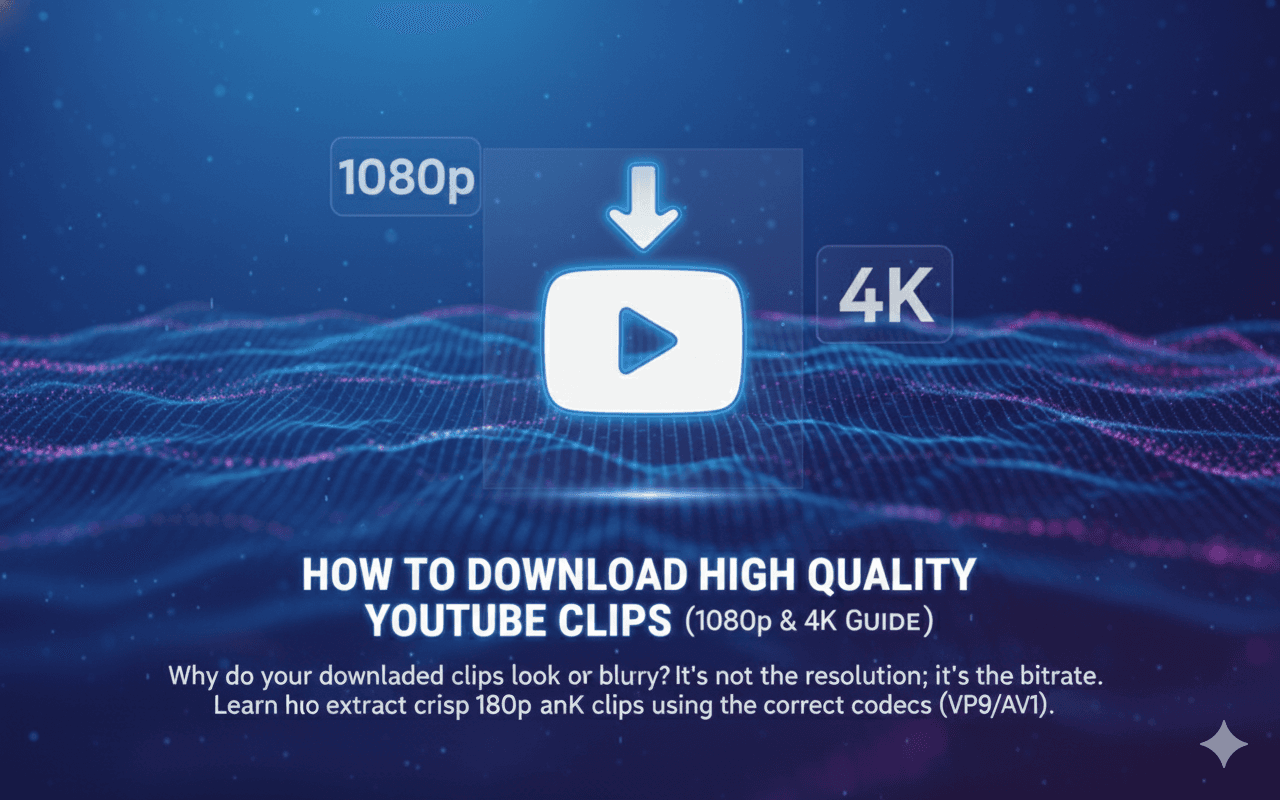
How to Download High Quality YouTube Clips (1080p & 4K Guide)
Why do your downloaded clips look blurry? It's not the resolution; it's the bitrate. Learn how to extract crisp 1080p and 4K clips using the correct codecs (VP9/AV1).
Content CreationDec 03, 2025
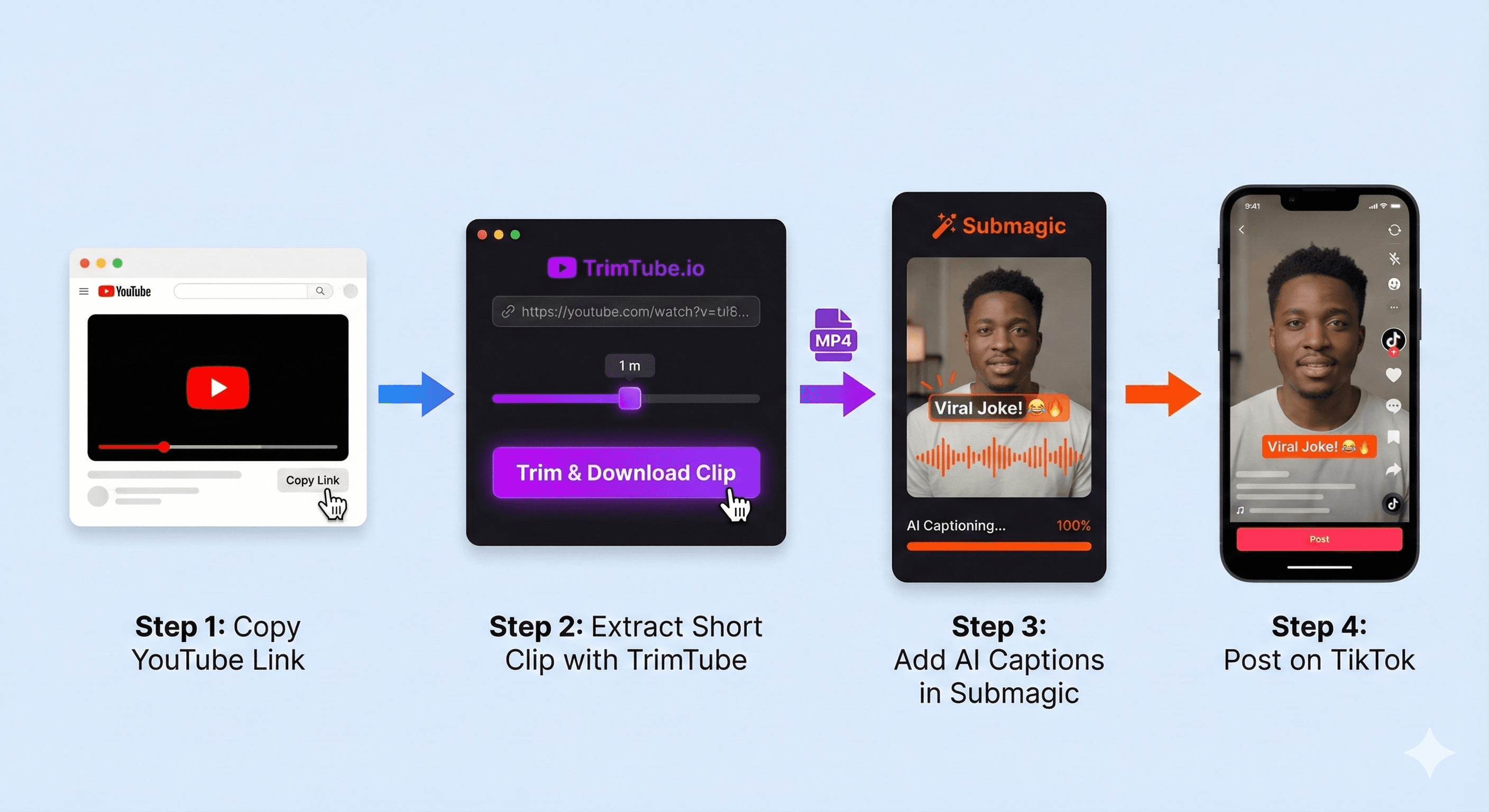
How to Turn YouTube Videos into TikToks & Shorts (2026 Workflow)
Stop struggling with massive video files. Here is the 'Hybrid Workflow' using TrimTube and Submagic to create viral vertical content in minutes.
YouTube Clip DownloaderDec 01, 2025
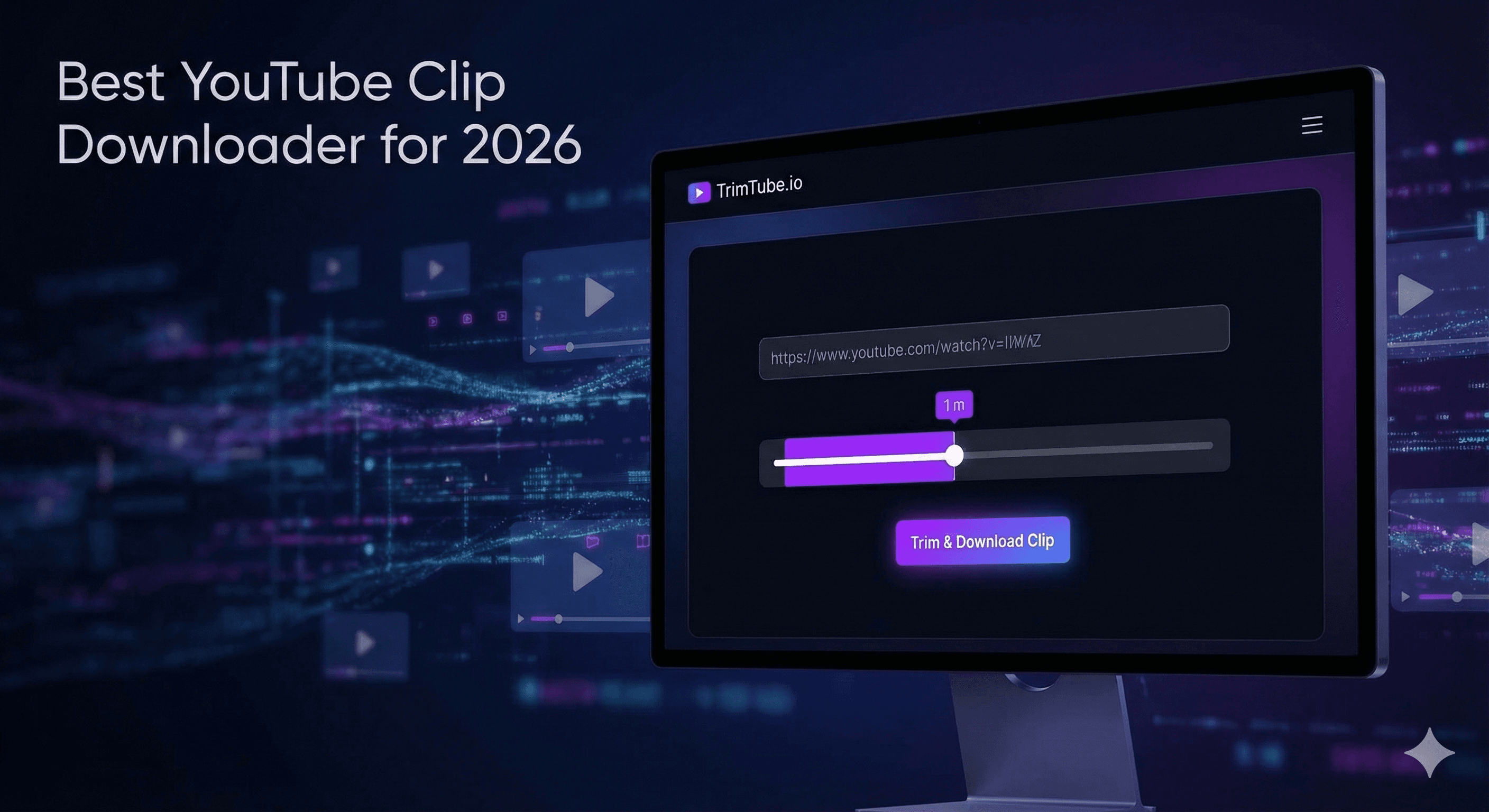
Best YouTube Clip Downloader for 2026
Stop downloading massive 2-hour videos for a 10-second clip. Discover the fastest, cleanest, and most precise way to download YouTube clips in 2026 with no ads or software.
Used by creators, editors, students, and teams
People across YouTube, classrooms, studios, and online communities rely on TrimTube to trim YouTube videos, cut highlights, and download clean clips with speed and accuracy. Whether you're working on a project or creating daily content, TrimTube fits right into your workflow.
High-quality YouTube clips
Download clean YouTube clips in all the formats the original video provides — perfect for editing, studying, or repurposing content.
Fast, reliable video trimming
Cut YouTube videos online without waiting. Our processing pipeline is built for creators who want instant results with no buffering or delays.
Flexible pricing for every workflow
Whether you trim YouTube videos occasionally or run a full content studio, choose a plan that fits your editing needs without limits.
No ads. No clutter. Just trimming.
No pop-ups, no distractions, and no confusing UI. TrimTube keeps your trimming workflow clean so you can focus on the clip — not the tool.
© 2026 TrimTube.io. All rights reserved.