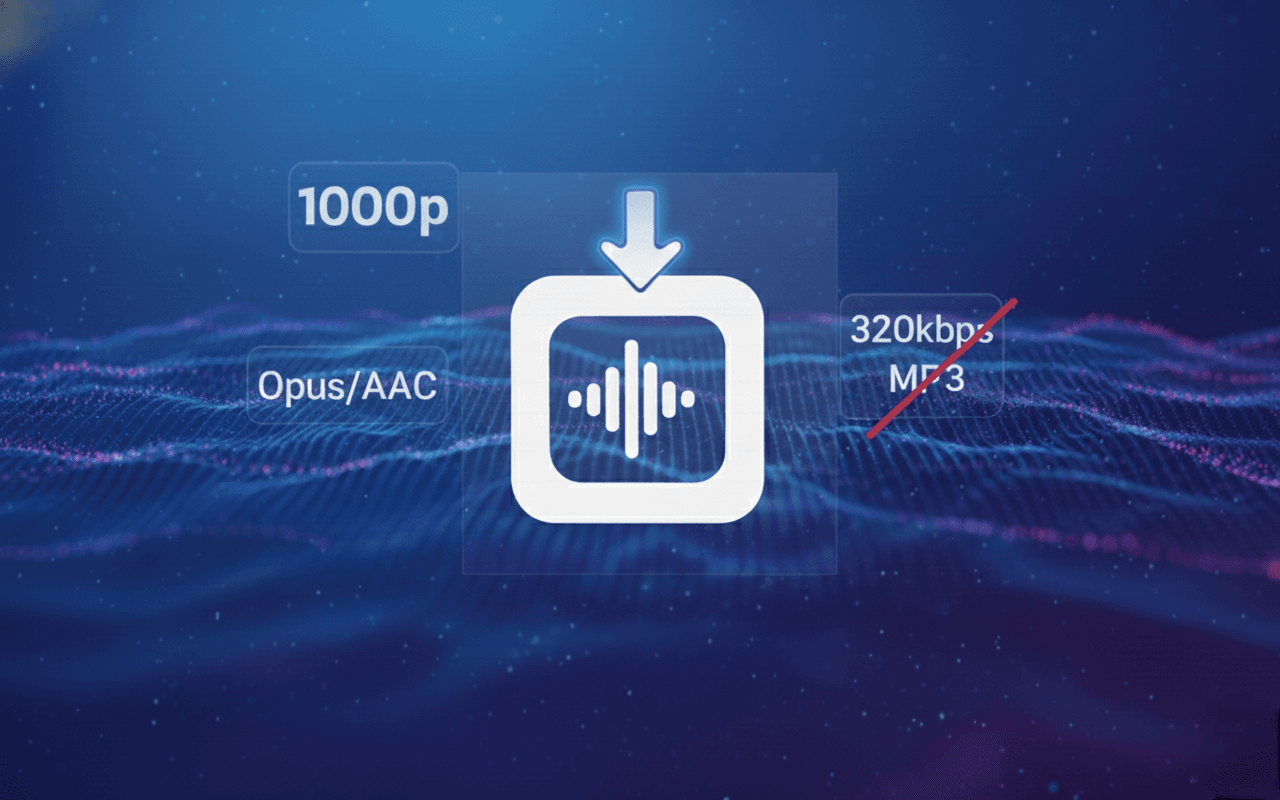
Most YouTube converters lie about quality. Learn why '320kbps' is often fake, how YouTube actually streams audio (Opus/AAC), and how to extract the true highest quality source.
How to Download High Quality Audio from YouTube (The 320kbps Myth)
Summary: Stop falling for the "320kbps" label. Most converters are selling you "upscaled" junk. This is the ultimate guide to understanding YouTube's actual audio architecture (Opus/AAC) and how to extract the pristine source file in 2026.
What You’ll Learn
- The "Upscaling" Scam: Why a 320kbps MP3 from YouTube is mathematically impossible (and why sites lie about it).
- The Truth About Opus: Why a 160kbps Opus file sounds better than a 320kbps MP3.
- The Audiophile Workflow: How to extract the raw audio stream without re-compression.
- Format Wars: MP3 vs. AAC vs. M4A.
1. The Great "320kbps" Lie
If you search for "YouTube to MP3," every site promises "320kbps High Quality." They are lying.
Here is the technical reality: YouTube does not store audio in 320kbps MP3. Never has, never will. When you upload a high-quality WAV file to YouTube, their servers compress it into two efficient formats:
- AAC (Advanced Audio Coding): Usually capped at 128kbps.
- Opus: A modern codec capped at approx 160kbps.
So, what happens when you download a "320kbps" file? The converter takes the low-quality source (128kbps) and "pads" it with empty zeros to make the file size look bigger.
- The Analogy: It’s like taking a blurry, pixelated photo and printing it on a giant poster. It doesn't get sharper; it just gets bigger and blurrier.
- The Result: You waste storage space on a file that sounds exactly the same as the low-quality original.
2. The Truth: Why "Opus" is the King
If you care about quality—whether you are a DJ, a video editor, or an audiophile—you should stop looking for "MP3" and start looking for Opus.
Just like we explained in our guide on downloading 4K video, Bitrate is not the only metric. Efficiency matters.
- MP3 (1993 Tech): Inefficient. Needs 320kbps to sound "transparent."
- Opus (2012 Tech): Highly efficient. A 160kbps Opus file often sounds better than a 320kbps MP3 because it retains more dynamic range and high-frequency detail.
The TrimTube Advantage: Most converters force a conversion to MP3 (which degrades quality). TrimTube accesses the raw Opus (WebM) or AAC (M4A) container directly from Google's servers. We give you the file exactly as YouTube hosts it—bit-for-bit perfect.
💡
Editor's Note: If you are using this audio for viral TikTok edits, stick to the M4A (AAC) format. It is universally compatible with Premiere Pro, CapCut, and Davinci Resolve, whereas Opus sometimes requires a plugin.
3. Step-by-Step: The "Audiophile" Extraction Workflow
Here is how to get the highest possible quality without falling for the upscaling trap.
1
Identify the Source
Find your video on YouTube. Note that music videos on "Topic" channels or VEVO usually have the highest bitrate (Opus ~160kbps). Old videos (pre-2015) might only have 128kbps AAC.
2
Use TrimTube for Extraction
Paste the link into TrimTube. Our engine analyzes the available streams.
3
Choose the Right Container
- For Maximum Quality: Choose WebM (Opus). This is the raw stream.
- For Maximum Compatibility: Choose M4A (AAC). This works on every iPhone and Editor.
- Avoid: Converting to MP3 unless you absolutely have to (e.g., for a very old car stereo).
4
Verify the Spectrum (Optional)
If you don't believe us, download the file and open it in a tool like Spek. You will see the frequency cutoff reaches 20kHz (High Quality), whereas fake MP3s often cut off at 16kHz.
4. Comparison: Generic Converters vs. TrimTube
Why safety and honesty matter in 2026.
| Feature | TrimTube.io | Generic "320kbps" Sites |
|---|---|---|
| Source Audio | ✅ Raw Opus / AAC (Direct) | ❌ Transcoded MP3 (Lossy) |
| Bitrate Reality | ✅ Honest (~160kbps Opus) | ⚠️ Fake "Upscaled" 320kbps |
| File Size | ⚡ Optimized (Small & Crisp) | 🐌 Bloated (Empty Data) |
| Safety | ✅ No Popups / No Malware | ⛔ High Risk of Adware |
| Speed | ⚡ Instant (No Re-encoding) | 🐢 Slow (Conversion time) |
5. FAQ (Audio Technicals)
No. YouTube does not stream lossless FLAC or WAV to users. Even if a site offers a "FLAC" download, they are just converting the compressed AAC audio into a FLAC container. It is impossible to restore missing data.
6. Final Thoughts
Don't let a number on a screen fool you. "320kbps" is just a marketing buzzword used by spammy sites.
Real quality comes from efficiency (Opus) and purity (Direct Extraction). If you want to hear the audio exactly as the creator uploaded it, you need a tool that respects the source.
Hear the difference. Extract pristine Opus and AAC audio today. Try TrimTube for Free
Dec 08, 2025
10 min read
Start trimming YouTube videos
Upload your YouTube link and trim clips with frame-accurate precision. Create clean highlights, cut exact moments, and download watermark-free clips — all in your browser.
Start trimming for freeFastest Youtube Clips Downloader
Trim YouTube videos
faster than any online editor.
Paste a YouTube link, pick the exact moment you need, and download a clean, watermark-free clip — no login, no installs, no friction.
© 2026 TrimTube.io. All rights reserved.